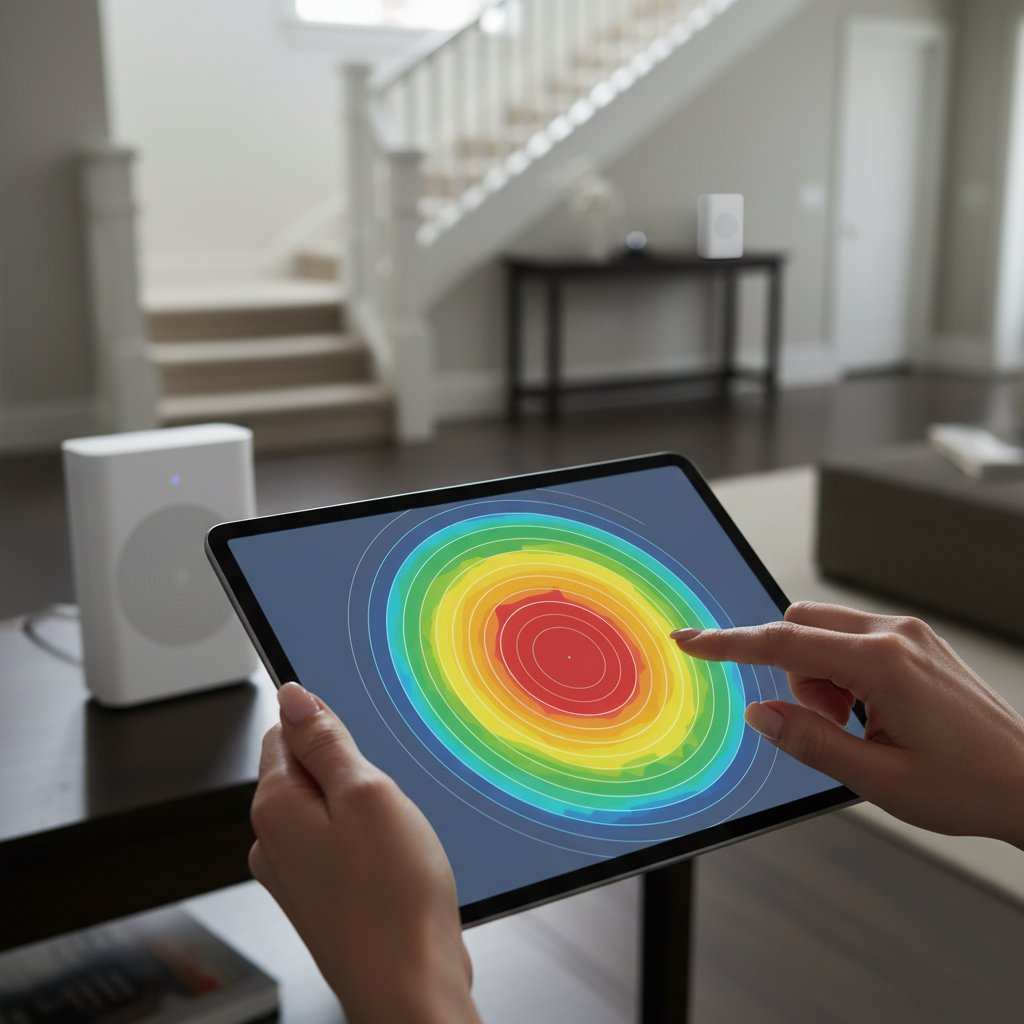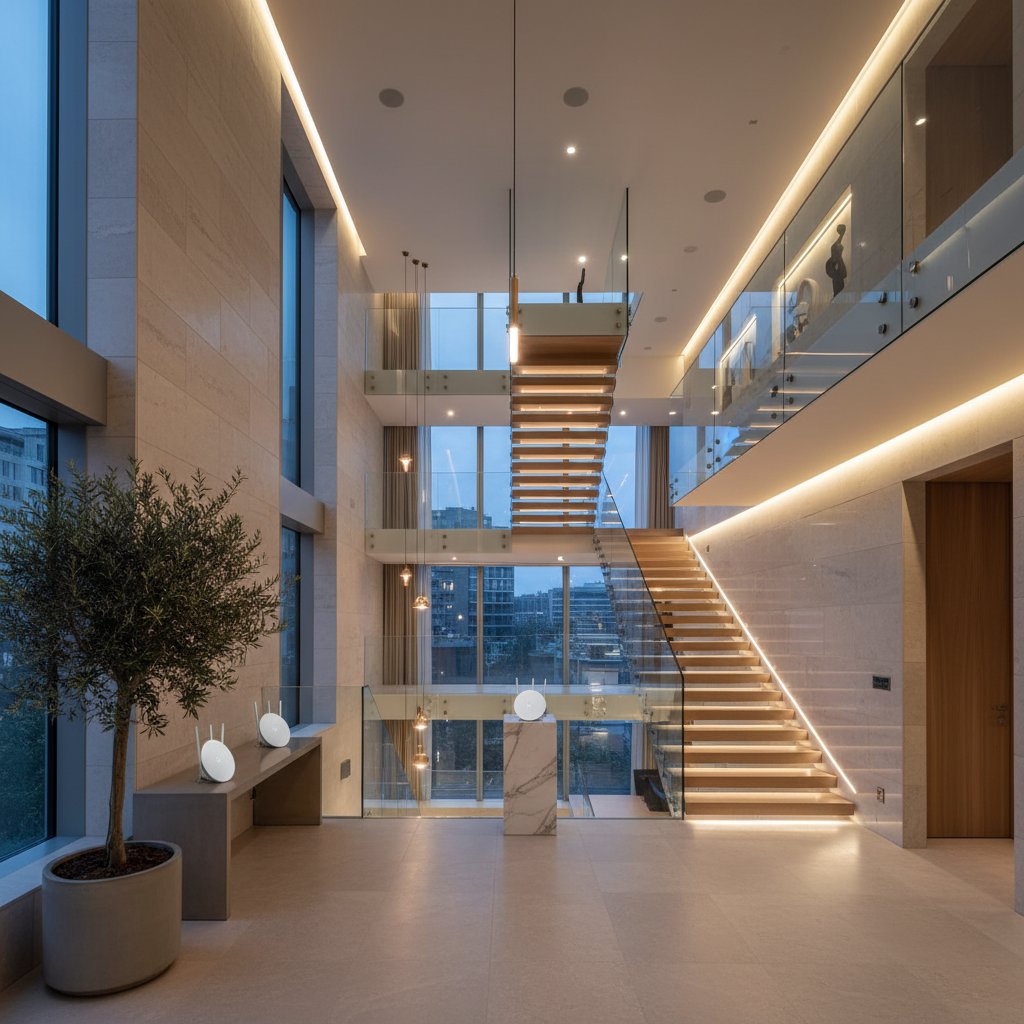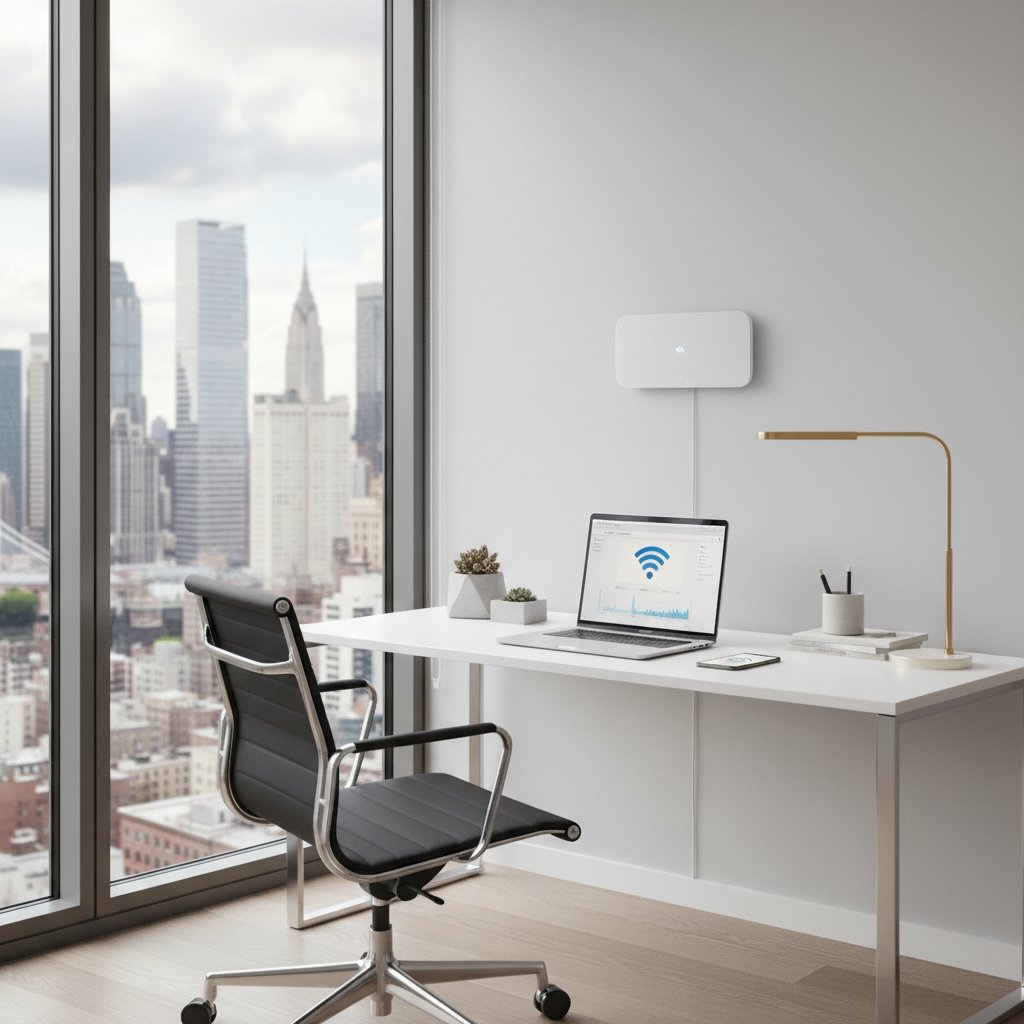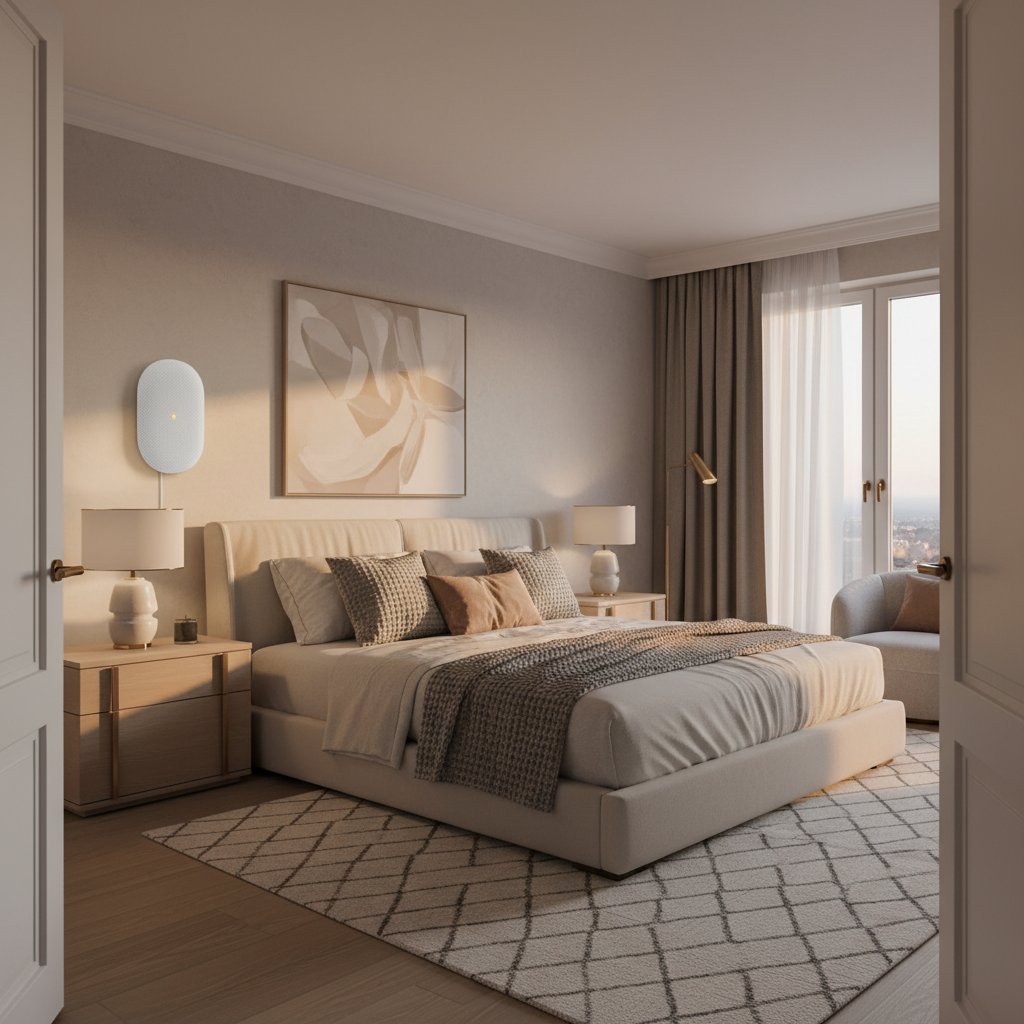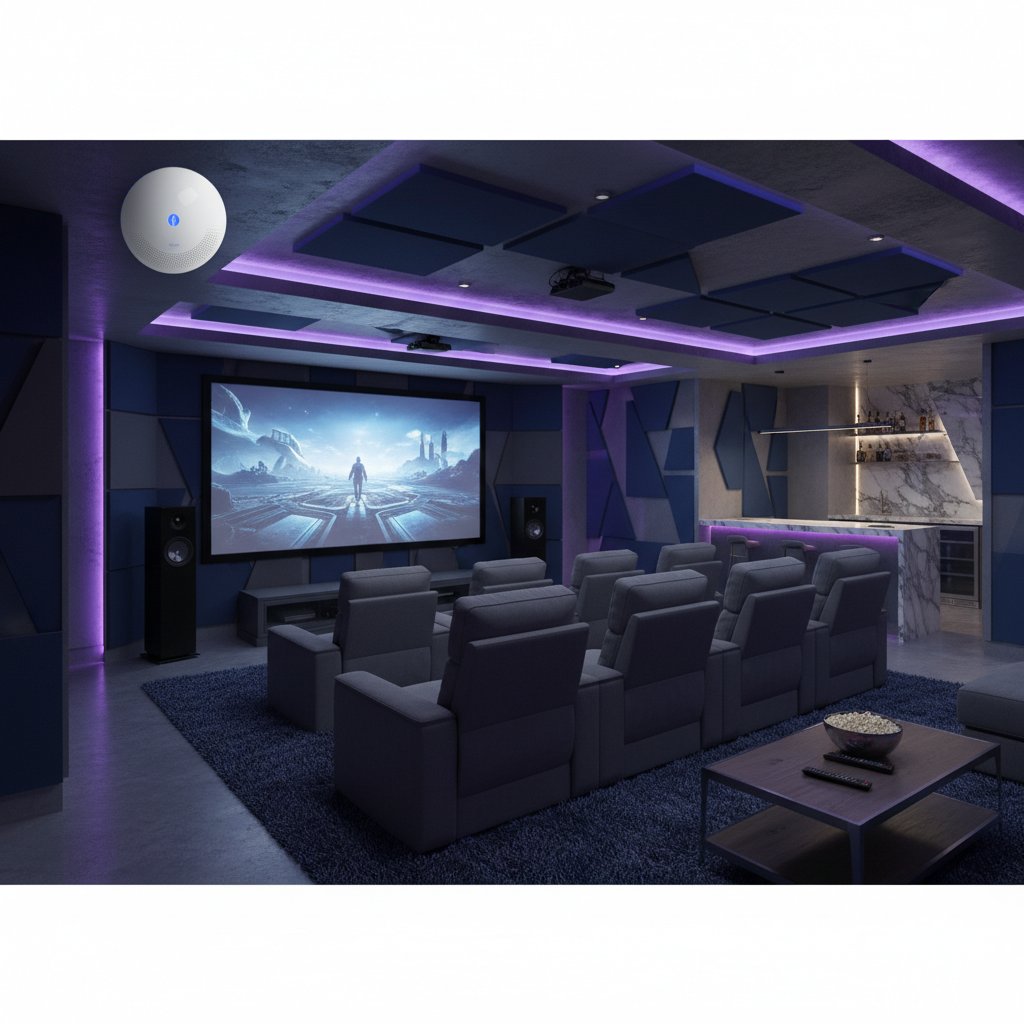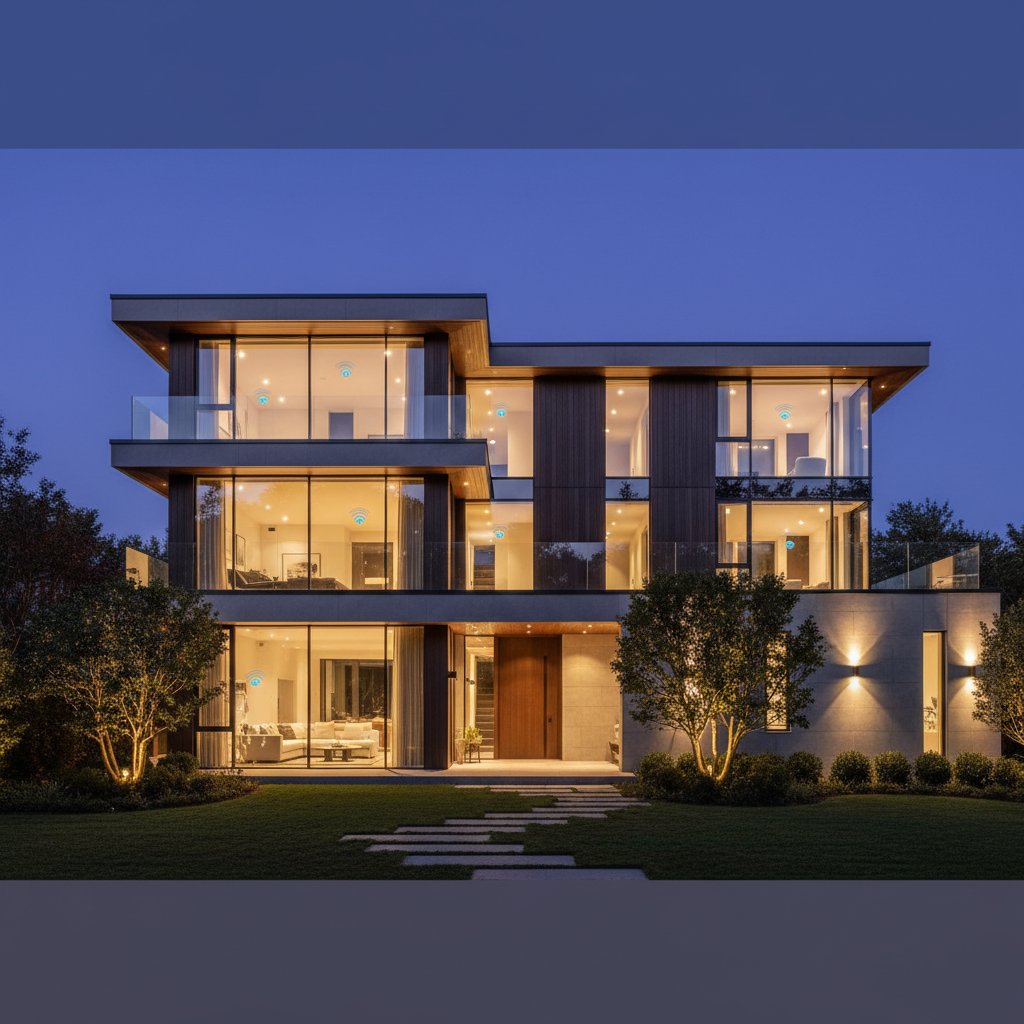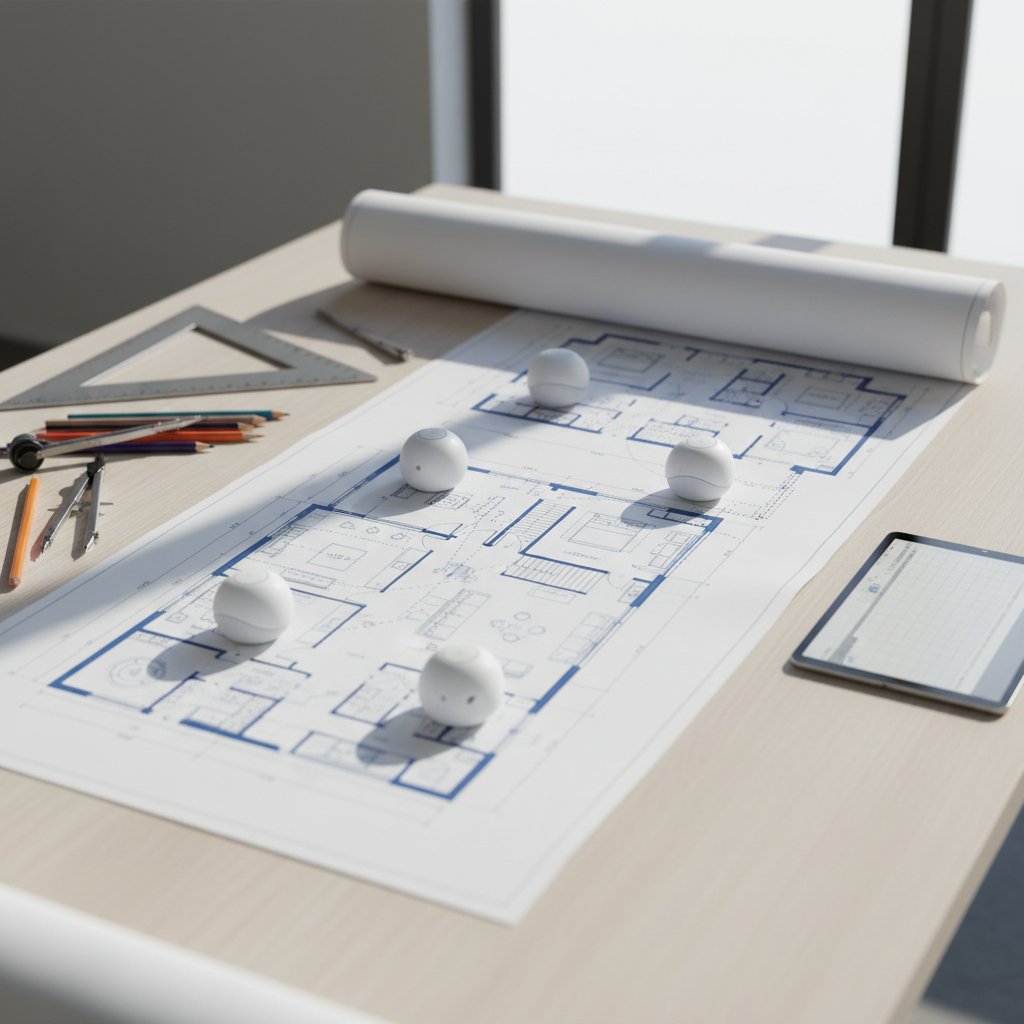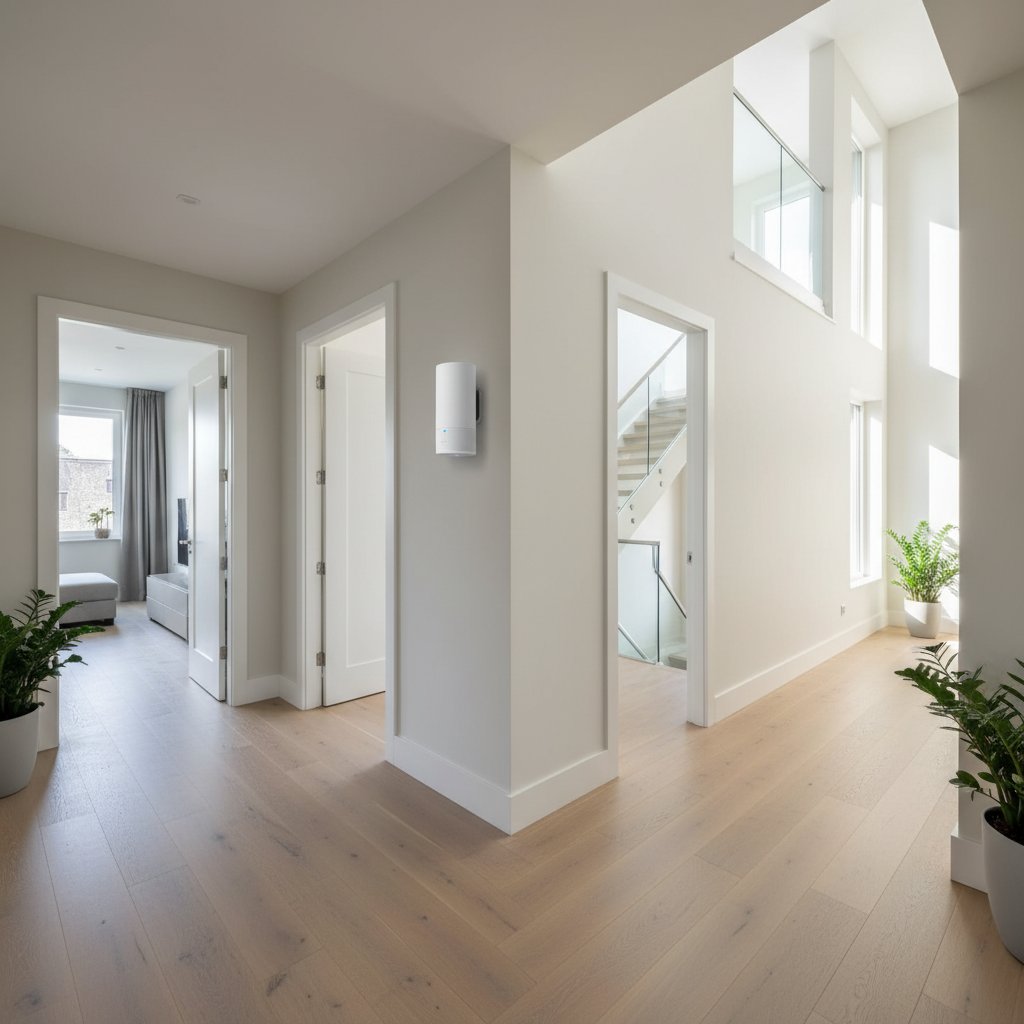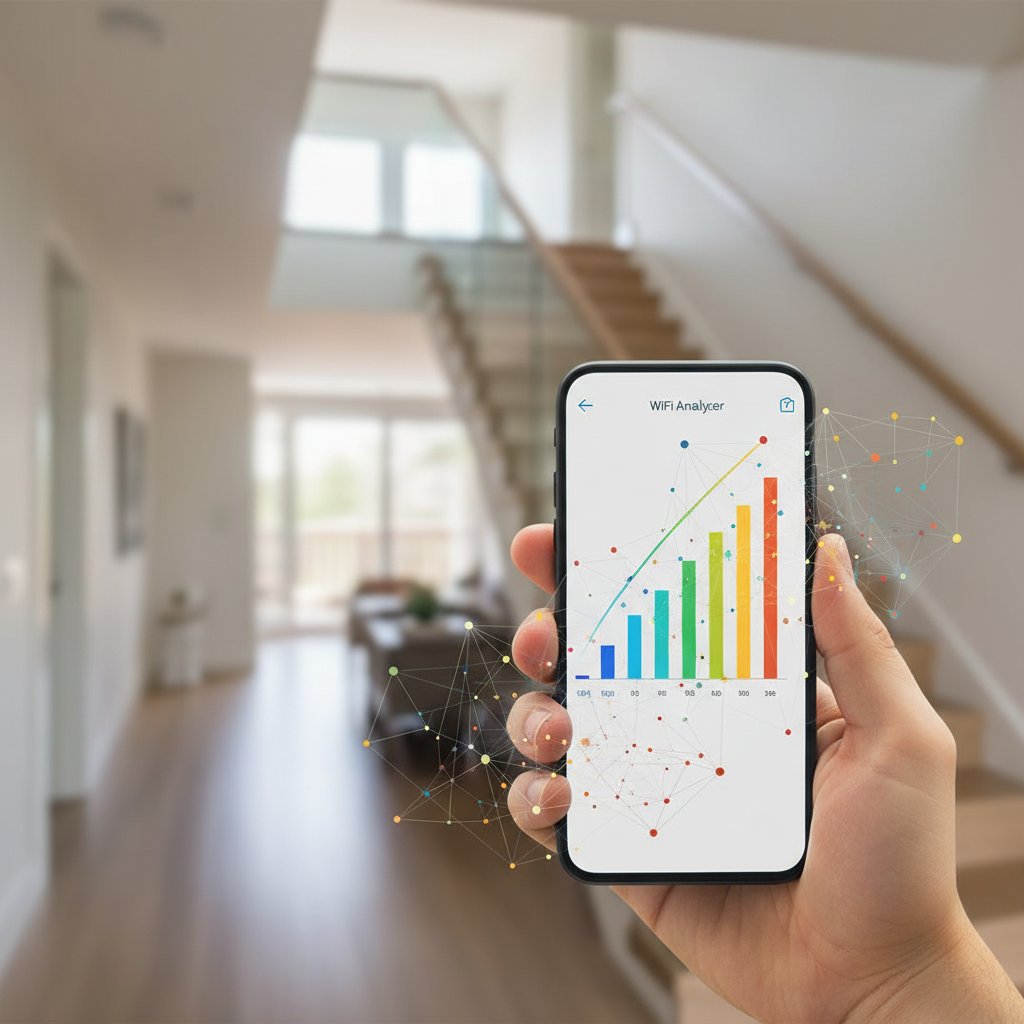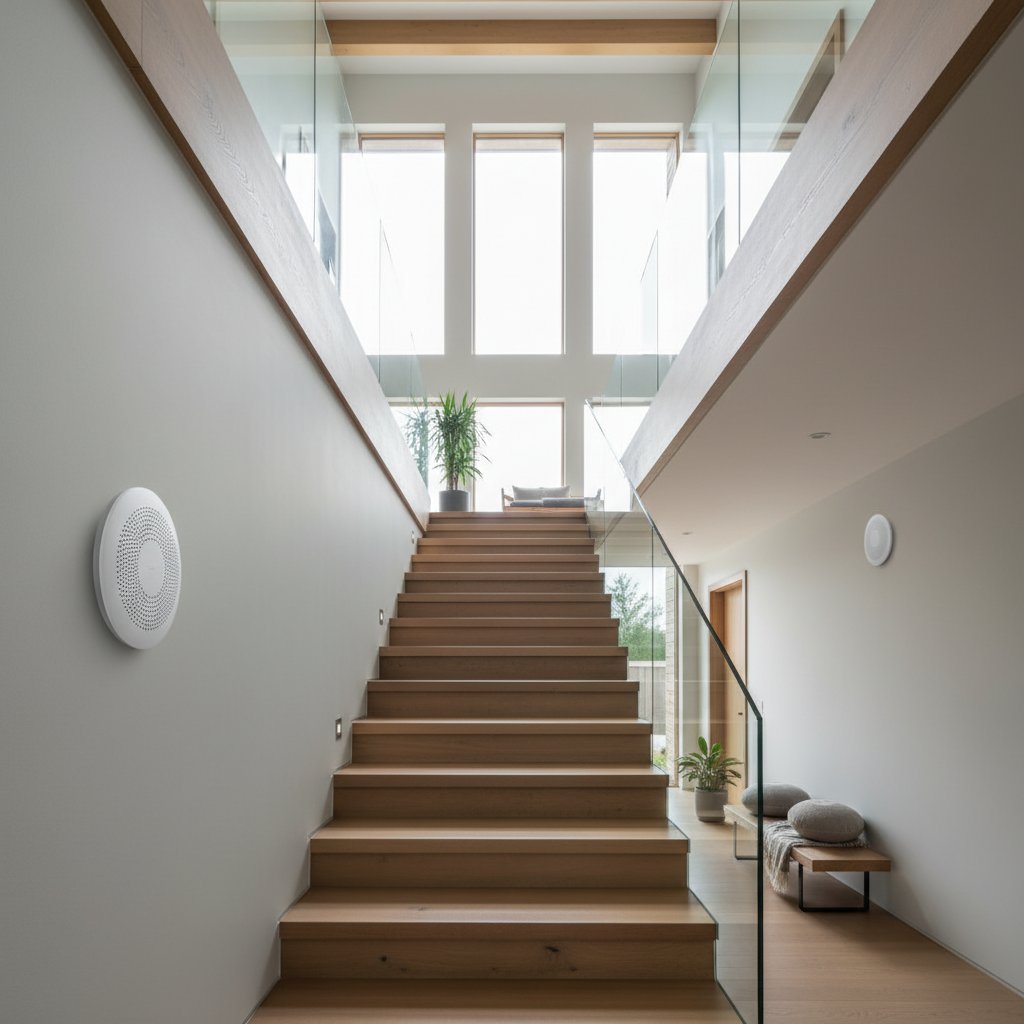
Complete mesh WiFi network installation for three-story house with optimal router placement

Complete Mesh WiFi Network for Three-Story Homes

Professional Router Placement & Installation

Building a reliable mesh network requires proper planning and technical expertise. We design and install complete WiFi systems that eliminate dead zones across all three floors. Our approach combines signal analysis, strategic router positioning, and professional configuration to ensure stable connectivity throughout your entire home. Each installation is customized based on your building's layout and specific requirements.

  • Coverage analysis for all three floors with signal strength mapping
  • Strategic placement of 3-5 mesh nodes based on building structure
  • Professional configuration with separate 2.4GHz and 5GHz bands
  • Seamless roaming between floors without connection drops
  • Ethernet backhaul setup where possible for maximum stability
  • Complete testing and optimization after installation
Get in Touch

Need help with mesh network setup? Contact us for professional WiFi installation

Send Message

Contact Details

ул. Елин Пелин, 27
София, 1421

Working Hours

  • Monday - Friday: 9:00 - 18:00
  • Saturday: 10:00 - 14:00
  • Sunday: Closed

WiFi Mesh Network Services

Professional installation and configuration for three-story homes in Sofia

Complete Mesh Network Setup

Full installation of mesh system across all three floors with optimal router placement ensuring seamless coverage and automatic device switching between access points.

450 лв one-time
  • Site survey included
  • 3-5 mesh nodes
  • Configuration and testing
Order Service

Network Planning & Design

Detailed analysis of your home layout with professional recommendations for router positions considering walls materials interference sources and optimal signal distribution patterns.

120 лв consultation
  • Floor plan analysis
  • Equipment recommendations
  • Written report
Order Service

Router Configuration

Expert setup of mesh routers with security protocols guest networks parental controls QoS settings and firmware updates ensuring maximum performance and protection for devices.

80 лв per session
  • Security optimization
  • Channel selection
  • Performance tuning
Order Service

Speed Optimization

Comprehensive network diagnostics identifying bottlenecks interference sources and configuration issues with adjustments to achieve maximum throughput on all floors and rooms simultaneously.

95 лв service call
  • Signal strength testing
  • Interference elimination
  • Bandwidth optimization
Order Service

Network Security Audit

Thorough security assessment checking encryption standards password strength firmware vulnerabilities and access controls with implementation of enterprise-grade protection measures for home environment.

110 лв audit
  • Vulnerability scanning
  • Encryption upgrade
  • Access control setup
Order Service

Maintenance Package

Regular quarterly visits for firmware updates performance checks equipment cleaning and configuration adjustments ensuring your mesh system operates at peak efficiency throughout the year.

280 лв per year
  • 4 visits annually
  • Priority support
  • Free minor adjustments
Order Service

Smart Home Integration

Connect and configure smart devices across all floors including cameras thermostats lighting and voice assistants ensuring stable connectivity and proper network segmentation for security.

150 лв integration
  • Device pairing
  • VLAN configuration
  • Automation setup
Order Service

Wired Backhaul Installation

Professional ethernet cable installation between mesh nodes using existing conduits or discrete cable routing providing dedicated gigabit connections for maximum stability and speed performance.

320 лв installation
  • Cable routing
  • Wall mounting
  • Connection testing
Order Service

Network Monitoring Setup

Installation and configuration of monitoring tools providing real-time insights into network performance device connections bandwidth usage and automatic alerts for connectivity or security issues.

135 лв setup
  • Dashboard configuration
  • Alert setup
  • Mobile app access
Order Service

System Upgrade Service

Migration from existing network to new mesh system including equipment removal data backup configuration transfer and testing ensuring zero downtime during transition to upgraded infrastructure.

180 лв upgrade
  • Old equipment removal
  • Settings migration
  • Zero downtime
Order Service

Emergency Support

Same-day troubleshooting service for urgent connectivity issues including remote diagnostics on-site visits if needed and rapid problem resolution to restore full network functionality quickly.

160 лв call-out
  • Same-day response
  • Remote diagnostics
  • On-site if needed
Order Service

Why Choose Mesh Network for Your Home

Professional setup ensures stable connection across all three floors

Seamless Coverage

Single network name across all floors. Devices automatically connect to the strongest signal point without manual switching. No dead zones in corners or distant rooms.

Consistent Speed

Maintains high bandwidth on each level. Mesh nodes communicate via dedicated backhaul channels, preventing speed drops. Ideal for 4K streaming and online gaming simultaneously on different floors.

Smart Routing

System analyzes signal strength in real-time. Automatically directs traffic through optimal paths. If one node fails, network reroutes through remaining units without interruption.

Easy Management

Control entire network from smartphone app. Monitor connected devices per floor, set parental controls, run speed tests. Update firmware across all nodes with single tap.

Vertical Optimization

Strategic placement for three-story buildings. We position nodes to minimize concrete/metal interference between floors. Signal penetrates ceilings effectively using 5GHz and 2.4GHz bands.

Expandable System

Add more nodes as needed. Works with existing units from same manufacturer. Future-proof solution that grows with your requirements without replacing entire setup.

Enhanced Security

WPA3 encryption across all access points. Automatic security updates pushed to every node. Guest network isolation keeps visitors separate from main devices and IoT gadgets.

Professional Setup

We measure signal strength on each floor before installation. Configure optimal channels to avoid neighbor interference. Test coverage in every room and adjust placement for best results.

Trust & Compliance

Licensed Business

Registered in Bulgaria

Data Protection

GDPR Compliant

SSL Secured

Encrypted Connection

Quality Guaranteed

Professional Standards

WiFi Standards

IEEE 802.11 Certified

Expert Team

8+ Years Experience

Frequently Asked Questions

Get answers to common questions about mesh WiFi systems for multi-story homes

For a three-story house, you typically need 3-4 mesh nodes depending on the total area and construction materials. A standard setup includes:
  • One main router connected to your internet source (usually ground floor)
  • One node per additional floor
  • Extra nodes for areas with thick walls or interference
Coverage estimate: Each quality mesh node covers approximately 100-150 square meters. Houses with concrete walls or metal structures may require additional units. We assess your specific layout to determine the optimal number and placement.

Mesh systems and traditional extenders work differently: Mesh WiFi advantages:
  • Single network name - seamless roaming between floors
  • Intelligent device handoff without connection drops
  • Self-optimizing network that adjusts to interference
  • Centralized management through one app
Traditional extenders: Create separate networks, require manual switching, and often reduce speed by 50%. Mesh systems maintain consistent speeds throughout your home and automatically connect devices to the strongest signal source.

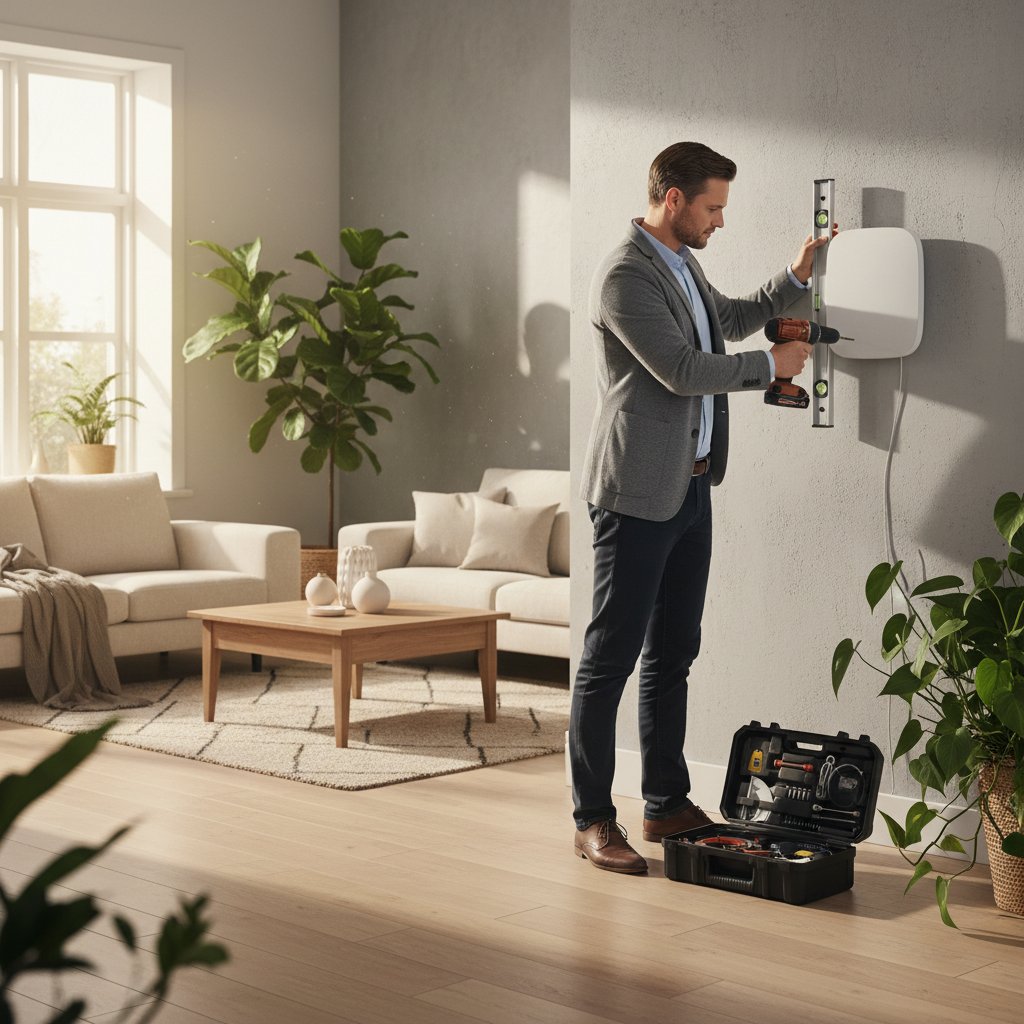
Optimal placement follows these principles: Ground floor: Position the main router centrally, near your internet connection. Avoid corners, metal cabinets, and thick walls. Middle floor: Place node in open area, ideally above or below the main router. Keep away from microwaves, cordless phones, and baby monitors. Top floor: Install in central location with clear line-of-sight to the floor below when possible. General rules: Maintain 10-15 meters between nodes, elevate units 1-2 meters from floor, and avoid enclosed spaces. We perform site surveys to identify interference sources and determine precise locations.

Yes, but concrete and thick walls significantly reduce signal strength. Modern mesh systems use multiple frequency bands to penetrate obstacles:
  • 2.4 GHz band: Better wall penetration, longer range, slower speeds
  • 5 GHz band: Faster speeds, shorter range, less wall penetration
  • 6 GHz band (WiFi 6E): Highest speeds, minimal penetration
For homes with reinforced concrete or metal structures, we may recommend additional nodes or wired backhaul connections between floors. Strategic placement and proper node spacing overcome most construction challenges. Site assessment helps identify problem areas before installation.

Standard installation takes 2-4 hours depending on complexity: Basic setup (2-3 hours):
  • Unboxing and positioning nodes
  • Connecting main router to internet source
  • Configuring network settings
  • Testing coverage on all floors
Advanced setup (3-4 hours): Includes cable management, wired backhaul installation, custom network configurations, smart home integration, and security settings. We test signal strength in every room, optimize node placement, and ensure seamless roaming. You receive full documentation and training on managing your network.

Yes, mesh networks are designed for easy expansion. You can add nodes at any time: Adding nodes: Simply plug in a new unit, open your mesh app, and follow the pairing process. The system automatically integrates the new node and optimizes the network. When to expand:
  • Adding a garden office or garage
  • Renovating and adding rooms
  • Experiencing weak spots in specific areas
  • Increasing connected device count
Most quality mesh systems support 5-10 nodes total. We recommend systems from the same manufacturer and generation for best compatibility. Future expansion is included in our initial planning.

Mesh systems work with any internet speed, but faster connections maximize their potential: Minimum recommendations:
  • Basic browsing and streaming: 50-100 Mbps
  • Multiple 4K streams and gaming: 200-300 Mbps
  • Smart home with many devices: 300-500 Mbps
  • Heavy usage across all floors: 500+ Mbps
The mesh system distributes your available bandwidth efficiently across all floors. Even with slower internet, you'll experience better coverage and stability compared to traditional setups. We help assess your current speed and recommend upgrades if needed for your usage patterns.
Mesh WiFi network installation

About Curoqo

Founded in Sofia, Curoqo specializes in professional mesh WiFi network design for residential buildings. We started with a simple goal: eliminate dead zones in multi-story homes.

Our team consists of 8 certified network engineers with backgrounds in enterprise networking. We've completed over 200 installations across Sofia, Plovdiv, and Varna.

Our Mission

Provide reliable WiFi coverage for every room in your home. We analyze building layouts, identify interference sources, and position equipment for optimal signal distribution.

Core Values

  • Technical precision in router placement
  • Transparent pricing with no hidden fees
  • Same-day installation available
  • 3-year warranty on all equipment
WiFi router configuration

Experience

Since 2018, we've installed mesh networks in buildings ranging from 180m² to 450m². Our average installation time is 3-4 hours for a three-story house.

We work with TP-Link Deco, ASUS ZenWiFi, and Netgear Orbi systems. Equipment selection depends on building materials, floor count, and bandwidth requirements.

Completed Projects

Real mesh network installations across Sofia

Three-story villa mesh network
Residential

Three-Story Villa in Boyana

Complete mesh WiFi coverage for 420 sq.m villa. Three access points strategically placed on each floor. Seamless roaming between floors with zero dead zones.

Office building mesh network
Office

Business Center in Lozenets

Multi-floor office network for 80+ employees. Six mesh nodes across three floors. Supports video conferencing, cloud services, and high-speed data transfer without interruptions.

Modern house mesh WiFi
Residential

Modern Home in Dragalevtsi

Smart home integration with mesh WiFi. Four access points covering 350 sq.m. Stable connection for 40+ IoT devices including security cameras, smart lighting, and climate control.

Restaurant mesh network
Commercial

Restaurant in Vitosha District

Guest WiFi network for restaurant with outdoor terrace. Five mesh nodes covering indoor and outdoor areas. Separate networks for staff and guests with bandwidth management.

Townhouse mesh WiFi setup
Residential

Townhouse in Mladost

Compact three-floor townhouse network. Three mesh units providing full coverage for 280 sq.m. Optimized placement for minimal interference from neighboring networks.

Coworking space mesh network
Office

Coworking Space in Center

High-density network for coworking space. Seven access points across two floors. Supports 100+ simultaneous connections with dedicated bandwidth for conference rooms.

Client Experiences

Real feedback from homeowners who installed mesh networks in their multi-story properties

М
Maria Dimitrova
Plovdiv, Trakiya
Good service overall. They installed 4 access points across my house. Coverage improved significantly. One small issue - installation took longer than quoted (6 hours instead of 4), but they didn't charge extra. Signal is stable now on all three floors.
Installed: January 2024
Г
Georgi Stoyanov
Varna, Chaika
Works as expected. Coverage is decent. Price was higher than competitors quoted, but equipment quality seems better. Setup was professional. Would prefer more flexibility in payment options.
Installed: February 2024
Top Rated
Д
Dimitar Angelov
Sofia, Boyana
Home office on third floor was unusable before. Constant dropouts during video calls. Team analyzed my house layout, recommended specific router placement. Result: 200+ Mbps on every floor. No more disconnects. ROI in 3 months from not losing clients during calls.
Installed: December 2023
Е
Elena Todorova
Burgas, Sarafovo
Fast installation, clean cable management. Technician explained how to access admin panel and monitor network. Only downside - would be nice to have mobile app for easier management. But overall happy with coverage improvement.
Installed: April 2024
П
Petar Vasilev
Sofia, Manastirski Livadi
Finally solved the problem! Garden and garage now have signal. Smart home devices stopped disconnecting. Team was punctual, finished on time. Price matched quote exactly - no hidden fees.
Installed: March 2024
Limited Time Only

Complete Mesh WiFi Installation Special

Get professional mesh network setup for your three-story home at an exclusive price. Our specialists will design optimal router placement, configure seamless roaming, and ensure full coverage on every floor. Package includes site survey, installation of 3-4 mesh nodes, network optimization, and 6 months of technical support. Perfect solution for eliminating dead zones and achieving stable connectivity throughout your entire house.

25% OFF Full Installation Package
Offer Valid Until:
18 April 2026

Professional Site Survey

Detailed analysis of your home layout with RF mapping to determine ideal node placement

Premium Mesh Hardware

Latest WiFi 6 mesh routers with tri-band technology for maximum performance

Complete Installation

Full setup including cable management, node mounting, and network configuration

6 Months Support

Free technical assistance, firmware updates, and performance optimization included

Latest Articles

Practical guides and tips for WiFi mesh networks

Mesh network setup guide
5 min read

Optimal Router Placement for 3-Story Buildings

Strategic positioning of mesh nodes ensures stable coverage across all floors. We explain how to calculate distances between units, avoid interference zones, and achieve maximum signal strength in every room.

WiFi mesh network benefits
4 min read

Mesh Network vs Traditional WiFi: Key Differences

Traditional routers with extenders create multiple networks and dead zones. Mesh systems form a single seamless network with automatic device handoff. Compare bandwidth, latency, and real-world performance metrics.

Mesh network configuration
6 min read

Security Configuration for Home Mesh Networks

WPA3 encryption, guest network isolation, and firmware updates protect your mesh system. Step-by-step instructions for enabling advanced security features, creating separate VLANs, and monitoring connected devices.

Troubleshooting mesh network
7 min read

Common Mesh Network Problems and Solutions

Slow speeds, connection drops, and node disconnections have specific causes. Diagnostic tools help identify interference sources, bandwidth bottlenecks, and configuration errors. Practical fixes for each scenario.

Proven Track Record

Real numbers from our mesh network installations across Sofia

0
Mesh Networks Deployed
since 2019
0
Multi-Story Homes
3+ floors covered
0
Years of Experience
in Bulgarian market
0
Client Satisfaction
based on 176 reviews
0
Average Coverage Rate
all floors included
0
Network Specialists
certified technicians
0
Average Setup Time
hours for 3-floor home

Disclaimer

Information on this website is provided "as is" and is accurate to our knowledge at the time of publication. Technical specifications, pricing, and availability may change without notice. We recommend consulting with qualified network professionals for specific installation requirements. Curoqo limits liability regarding accuracy and timeliness of information presented. Actual WiFi coverage and performance depend on building materials, interference, and environmental factors unique to each property.