Создание полной Mesh-сети WiFi для трехэтажного дома: Оптимальное размещение роутеров: common mistakes that cost you money
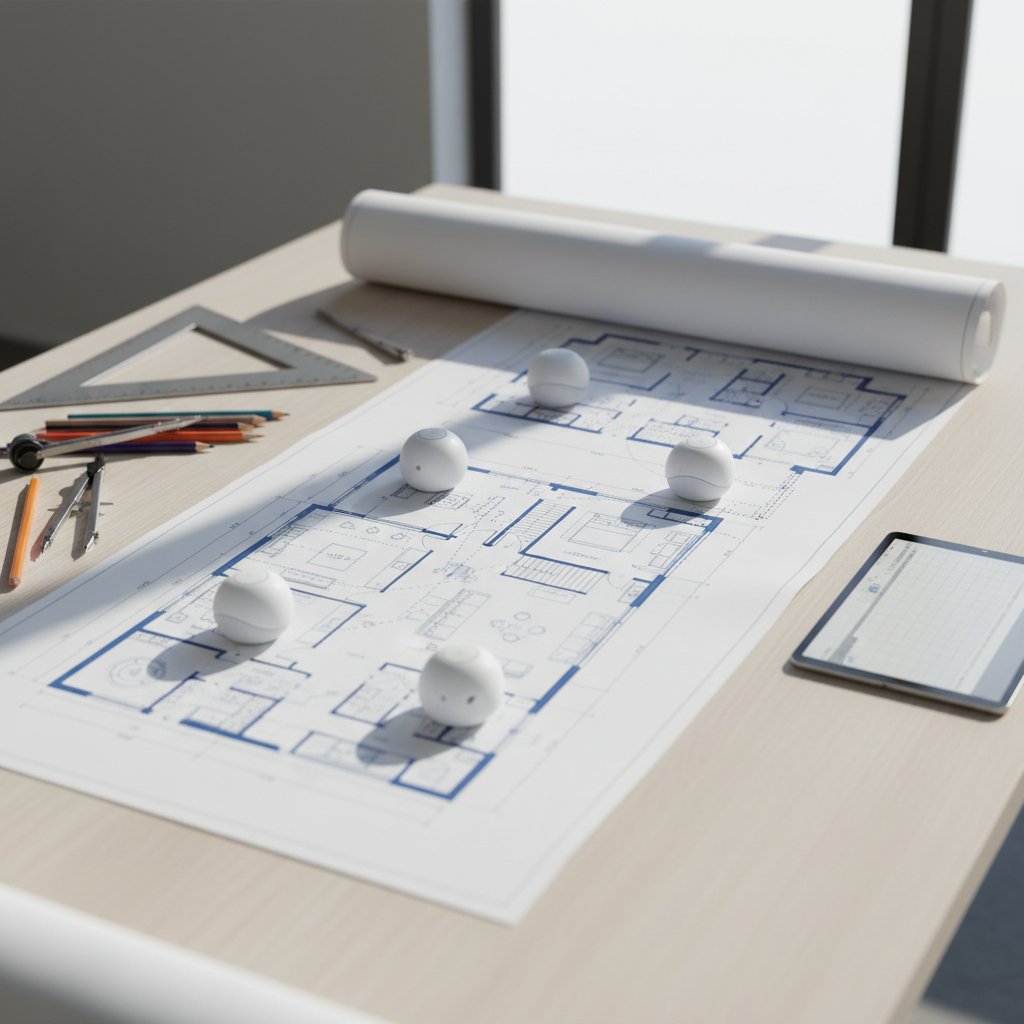
The Great Mesh Network Debate: Professional Installation vs. DIY Setup for Your Three-Story Home
You've dropped anywhere from $300 to $800 on a mesh WiFi system, convinced it'll solve your three-story connectivity nightmare. But here's where most people blow it: they either waste money on professional installation they don't need, or they wing the DIY approach and end up with dead zones in their master bedroom. I've seen both scenarios play out dozens of times, and the difference in results is staggering.
Let's cut through the marketing fluff and figure out which approach actually makes sense for your wallet and your sanity.
The Professional Installation Route: When Someone Else Does the Heavy Lifting
Hiring a network specialist to set up your mesh system typically runs $150 to $400, depending on your location and home complexity. That's on top of your hardware costs.
What You're Actually Paying For
- Site survey with actual tools: They'll walk through with WiFi analyzers and signal strength meters, not just eyeball it
- Proper node placement: Professionals know that putting a node directly above another on different floors creates interference, not coverage
- Cable management: If you need ethernet backhaul (and for three stories, you probably should), they'll run cables without turning your walls into swiss cheese
- Channel optimization: They'll configure channels to avoid neighbor interference, something most DIY setups completely ignore
- Time savings: Figure 4-6 hours for a proper DIY setup versus 2-3 hours with a pro
The Downsides Nobody Mentions
- Overkill for simple layouts: If your three-story home is under 2,500 square feet with a central staircase, you're probably overpaying
- Limited scheduling flexibility: You're working around someone else's calendar, which can delay your setup by weeks
- Potential upselling: Some installers push unnecessary equipment upgrades or service contracts
- Learning curve remains: When something goes wrong at 11 PM on a Sunday, you still don't know how to fix it
The DIY Approach: Rolling Up Your Sleeves
Setting up your own mesh network costs exactly $0 in labor, but the hidden costs show up in different ways.
Why DIY Can Actually Work Better
- Real-world testing: You can move nodes around based on actual usage patterns, not theoretical coverage maps
- Immediate adjustments: Notice weak signal in the home office? Move a node. No service call required.
- Learning your system: You'll understand the admin panel, troubleshooting steps, and settings that matter
- No scheduling headaches: Set up at midnight if that's when you're free
- Budget control: That $300 you save can go toward a better mesh system instead
Where DIY Setups Typically Fail
- The "more is better" trap: People buy 4-5 nodes for a space that needs 3, creating network congestion
- Ignoring building materials: That beautiful brick fireplace running through all three floors? It's a signal killer.
- Furniture placement blindness: Putting nodes behind metal filing cabinets or inside closets tanks performance by 40-60%
- Wireless backhaul mistakes: Placing nodes too far apart (over 30 feet) creates weak backhaul connections
- Time investment: Research, setup, testing, and troubleshooting can easily consume 6-8 hours
Head-to-Head Comparison
| Factor | Professional Installation | DIY Setup |
|---|---|---|
| Upfront Cost | $150-$400 extra | $0 |
| Time Investment | 2-3 hours (mostly supervision) | 4-8 hours hands-on |
| Optimization Quality | 85-95% (professional tools) | 60-90% (varies by skill) |
| Future Troubleshooting | Requires service calls | Self-sufficient |
| Flexibility | Limited to appointment | Anytime |
| Risk of Mistakes | 5-10% | 30-40% |
The Smart Money Move
Here's what actually makes sense: Go DIY if your home has a straightforward layout, you're reasonably tech-comfortable, and you can dedicate a Saturday to the project. Use the manufacturer's app (most are surprisingly good now), place your first node centrally on the middle floor, then add nodes to the top and bottom floors about 25-30 feet away.
Bring in a professional if you've got a sprawling 4,000+ square foot home, thick concrete or brick construction, or complex requirements like separate networks for IoT devices. The $300 you spend will save you from the $400 worth of frustration and the eventual "screw it, I'll just hire someone anyway" moment.
The biggest mistake? Buying a budget mesh system and paying for professional installation. If you're spending $200 on installation, put that money toward better hardware instead. A quality three-node system like Eero Pro 6E or Netgear Orbi will outperform a cheap system with perfect placement every single time.
Your WiFi doesn't need to be perfect. It needs to work reliably in the rooms you actually use. Start there, test thoroughly, and adjust as needed. Save the professional help for when you've actually identified a problem you can't solve yourself.