Frequently Asked Questions

Get answers to common questions about mesh WiFi systems for multi-story homes

For a three-story house, you typically need 3-4 mesh nodes depending on the total area and construction materials. A standard setup includes:
  • One main router connected to your internet source (usually ground floor)
  • One node per additional floor
  • Extra nodes for areas with thick walls or interference
Coverage estimate: Each quality mesh node covers approximately 100-150 square meters. Houses with concrete walls or metal structures may require additional units. We assess your specific layout to determine the optimal number and placement.

Mesh systems and traditional extenders work differently: Mesh WiFi advantages:
  • Single network name - seamless roaming between floors
  • Intelligent device handoff without connection drops
  • Self-optimizing network that adjusts to interference
  • Centralized management through one app
Traditional extenders: Create separate networks, require manual switching, and often reduce speed by 50%. Mesh systems maintain consistent speeds throughout your home and automatically connect devices to the strongest signal source.

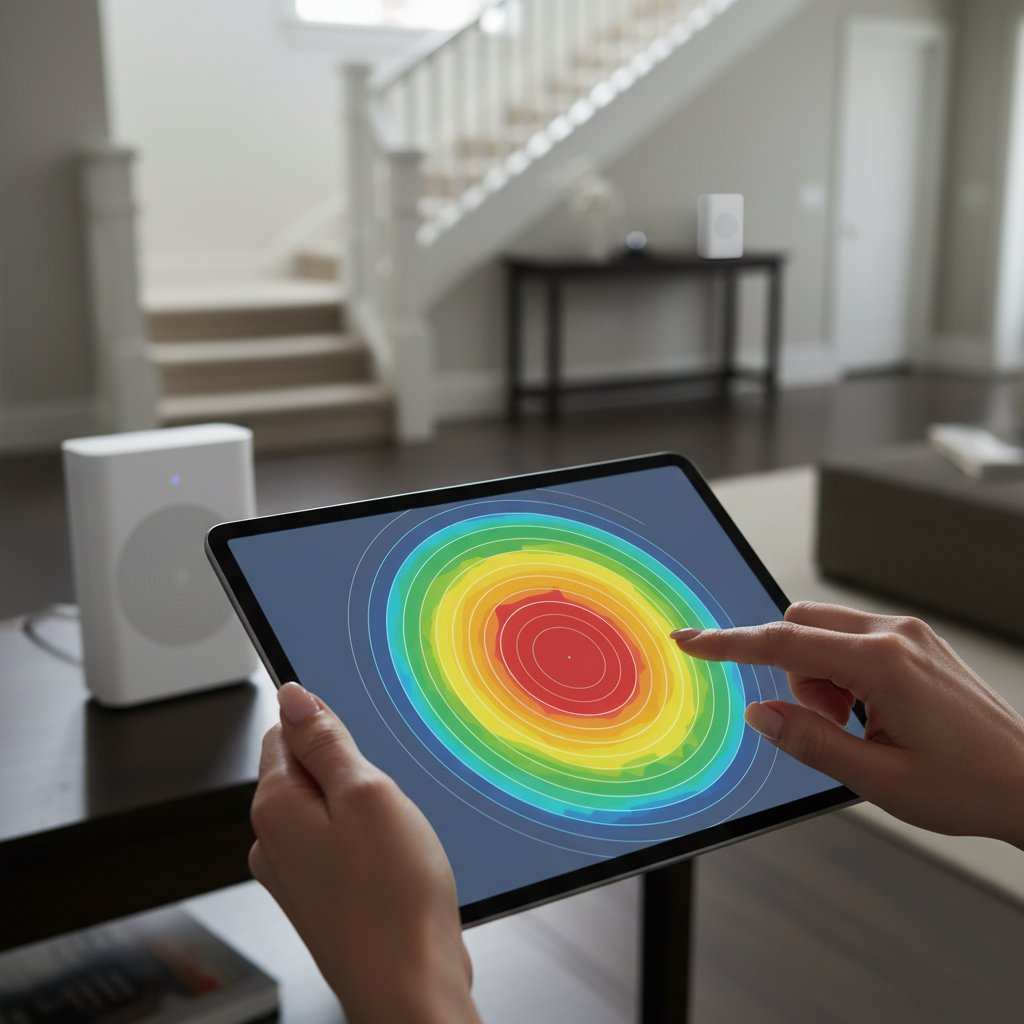
Optimal placement follows these principles: Ground floor: Position the main router centrally, near your internet connection. Avoid corners, metal cabinets, and thick walls. Middle floor: Place node in open area, ideally above or below the main router. Keep away from microwaves, cordless phones, and baby monitors. Top floor: Install in central location with clear line-of-sight to the floor below when possible. General rules: Maintain 10-15 meters between nodes, elevate units 1-2 meters from floor, and avoid enclosed spaces. We perform site surveys to identify interference sources and determine precise locations.

Yes, but concrete and thick walls significantly reduce signal strength. Modern mesh systems use multiple frequency bands to penetrate obstacles:
  • 2.4 GHz band: Better wall penetration, longer range, slower speeds
  • 5 GHz band: Faster speeds, shorter range, less wall penetration
  • 6 GHz band (WiFi 6E): Highest speeds, minimal penetration
For homes with reinforced concrete or metal structures, we may recommend additional nodes or wired backhaul connections between floors. Strategic placement and proper node spacing overcome most construction challenges. Site assessment helps identify problem areas before installation.

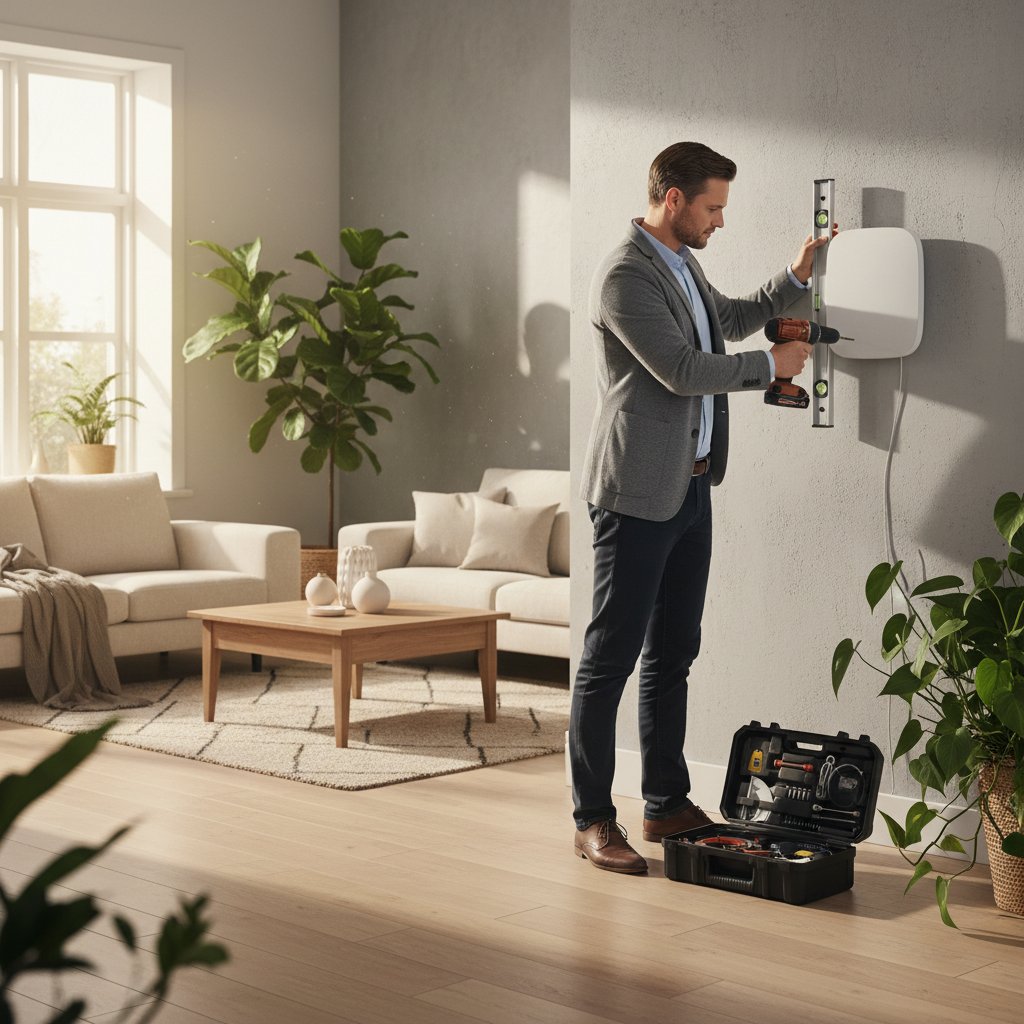
Standard installation takes 2-4 hours depending on complexity: Basic setup (2-3 hours):
  • Unboxing and positioning nodes
  • Connecting main router to internet source
  • Configuring network settings
  • Testing coverage on all floors
Advanced setup (3-4 hours): Includes cable management, wired backhaul installation, custom network configurations, smart home integration, and security settings. We test signal strength in every room, optimize node placement, and ensure seamless roaming. You receive full documentation and training on managing your network.

Yes, mesh networks are designed for easy expansion. You can add nodes at any time: Adding nodes: Simply plug in a new unit, open your mesh app, and follow the pairing process. The system automatically integrates the new node and optimizes the network. When to expand:
  • Adding a garden office or garage
  • Renovating and adding rooms
  • Experiencing weak spots in specific areas
  • Increasing connected device count
Most quality mesh systems support 5-10 nodes total. We recommend systems from the same manufacturer and generation for best compatibility. Future expansion is included in our initial planning.

Mesh systems work with any internet speed, but faster connections maximize their potential: Minimum recommendations:
  • Basic browsing and streaming: 50-100 Mbps
  • Multiple 4K streams and gaming: 200-300 Mbps
  • Smart home with many devices: 300-500 Mbps
  • Heavy usage across all floors: 500+ Mbps
The mesh system distributes your available bandwidth efficiently across all floors. Even with slower internet, you'll experience better coverage and stability compared to traditional setups. We help assess your current speed and recommend upgrades if needed for your usage patterns.
Mesh WiFi network installation

About Curoqo

Founded in Sofia, Curoqo specializes in professional mesh WiFi network design for residential buildings. We started with a simple goal: eliminate dead zones in multi-story homes.

Our team consists of 8 certified network engineers with backgrounds in enterprise networking. We've completed over 200 installations across Sofia, Plovdiv, and Varna.

Our Mission

Provide reliable WiFi coverage for every room in your home. We analyze building layouts, identify interference sources, and position equipment for optimal signal distribution.

Core Values

  • Technical precision in router placement
  • Transparent pricing with no hidden fees
  • Same-day installation available
  • 3-year warranty on all equipment
WiFi router configuration

Experience

Since 2018, we've installed mesh networks in buildings ranging from 180m² to 450m². Our average installation time is 3-4 hours for a three-story house.

We work with TP-Link Deco, ASUS ZenWiFi, and Netgear Orbi systems. Equipment selection depends on building materials, floor count, and bandwidth requirements.